
Wireless Network connections can be managed by using Windows Wireless Network Connection configuration or the software provided by the wireless device manufacturer.
The software utility provided by Intel is free for download and can be used only when an intel-wireless-network device is present in the system.
The program allows the wireless adapter to communicate with wireless devices from other vendors that comply with the IEEE 802.11a, 802.11b, 802.11g, 802.11n standards.
The program runs as iFrmewrk.exe and uses about 16kb of memory on Windows-XP.
The use of this program can be detailed in the following sections.
The main windows provides options to view the current connection details like name, strength and speed. It also allows the configuration of profiles, scan for new networks, configure adaptor and troubleshoot connection related problems.
The animated connection status icons describe the states of wireless network connections such as Turned Off, Searching, Limited Connectivity and Network Properties.
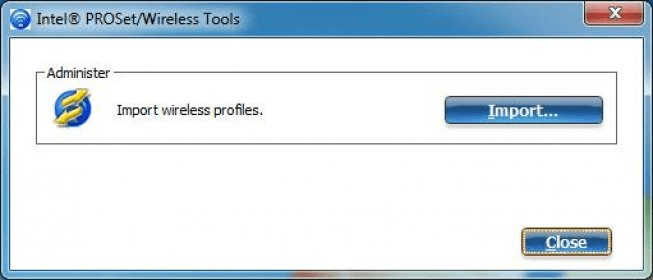
The profile management helps to save information about commonly accessed networks. A new profile is created when the system connects to a newly detected network. A profile becomes useful when moving from one network to another, when configured to connect automatically. The program allows the user to export profiles and save it for further migration or restoration.
The program also has a Troubleshooting Utility built in to diagnose and help resolving connection issues arrising due to various IP related, authentication and driver problems. An event viewer also stores the history for the user to manually dig-up and understand the connection issues.
The software supports Microsoft Windows 2000* (Service Pack 4), Microsoft Windows XP Professional* (Service Pack 1 or later), Microsoft Windows XP Home* (Service Pack 1 or later) and Microsoft Windows XP Tablet*.
128-bit, and 64-bit Wired Equivalent Privacy (WEP) data security and VPN compatibility.






Comments (11)
It will not work for AVR32. Or the 8051.
- by changing the $regfile parameter you can simply change your design. For example change from M32 to M644 only requires the change of 1 line.
- you can keep all data sheets up to date by the automatic pdf updater. Or view the PDF with the internal PDF viewer.
- the demo is free for non-commercial usage. the restrictions are that it generates max. 4 KB of code, that the asm code of the libraries is not included , and that there is limited support.